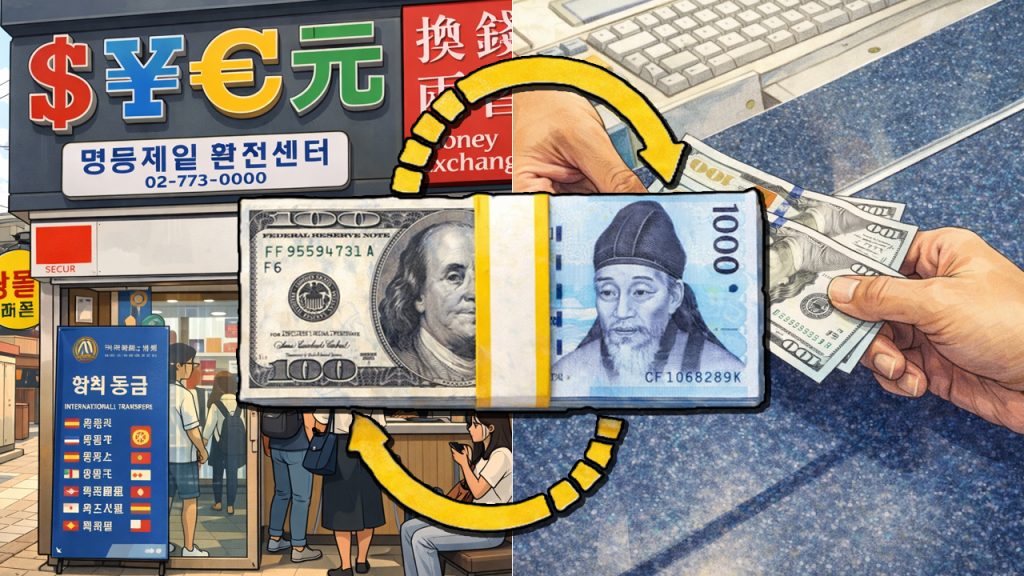
Does that sound familiar? On my first trip to Seoul, I made the classic rookie mistake of thinking I could just walk into any popular restaurant. I saw locals tapping away on their phones and walking right in while I was stuck on the sidewalk.
I felt so frustrated and hungry! But then I discovered the secret: Catch Table. For a long time, it was nearly impossible for us travelers to use because it required a Korean phone number.
Well, things have changed! I recently tried the new Catch Table Global version, and it was a total game-changer for my foodie adventures. Let me share how I finally conquered the Seoul dining scene so you don’t have to stay hungry like I did. 😊

What Exactly is Catch Table Global? 🤔
If you are planning a trip to Korea, you need to know about Catch Table. It is the gold standard for restaurant reservations here. Whether you are looking for high-end fine dining or the trendiest local spots in Seoul, this is the platform everyone uses.
In the past, the “local” version of the app was a nightmare for foreigners. You needed a Korean ID and a local phone number just to sign up. I remember trying to navigate the Korean interface and feeling completely lost.
However, the Catch Table Global version is specifically designed for us. It allows registration via email (no Korean phone needed!) and supports multiple languages. It bridges the gap between hungry travelers and amazing Korean chefs.
Local vs. Global Version: My Comparison
| Feature | Local Version | Global Version | My Take |
|---|---|---|---|
| Registration | Korean Phone Required | Email (Google/Apple) | Global is much easier! |
| Language | Korean Only | English, Japanese, Chinese | No more Google Translate. |
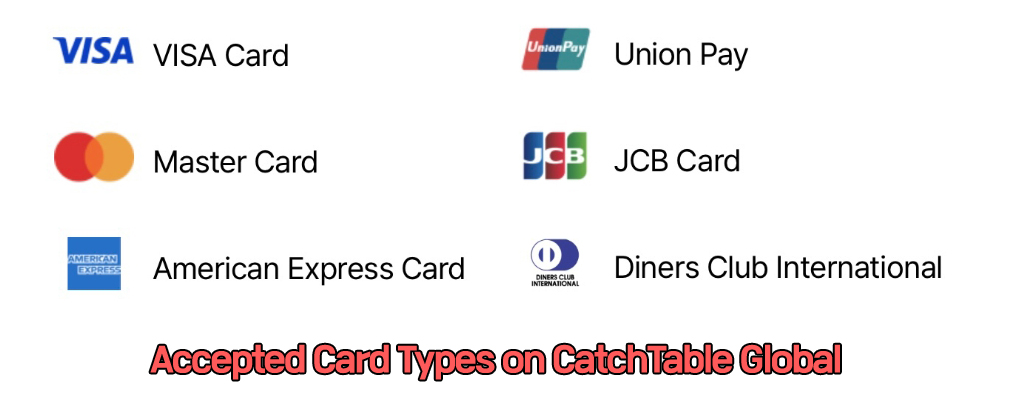
| Payments | Korean Cards/Bank | Global Credit Cards | Perfect for tourists. |
How I Set Up My App (Step-by-Step) 📱
Setting this up while sitting in my hotel room took less than five minutes. Here is exactly how I did it, so you can save time too.
1. Search and Install: Make sure you search for “Catch Table” in the App Store or Play Store. Look specifically for the icon that says “CATCH TABLE GLOBAL”. Don’t accidentally download the Korean-only version!
2. Language Settings: As soon as I opened the app, I saw a small flag icon at the top (usually a US flag). You can click that to switch between English, Japanese, or Chinese. It makes the rest of the process so intuitive.
I found that using the “Login with Google” option was the fastest way. You just verify your name and email, and you are ready to book. No complicated ID checks!
The Art of Searching: How I Find the Best Spots 📊
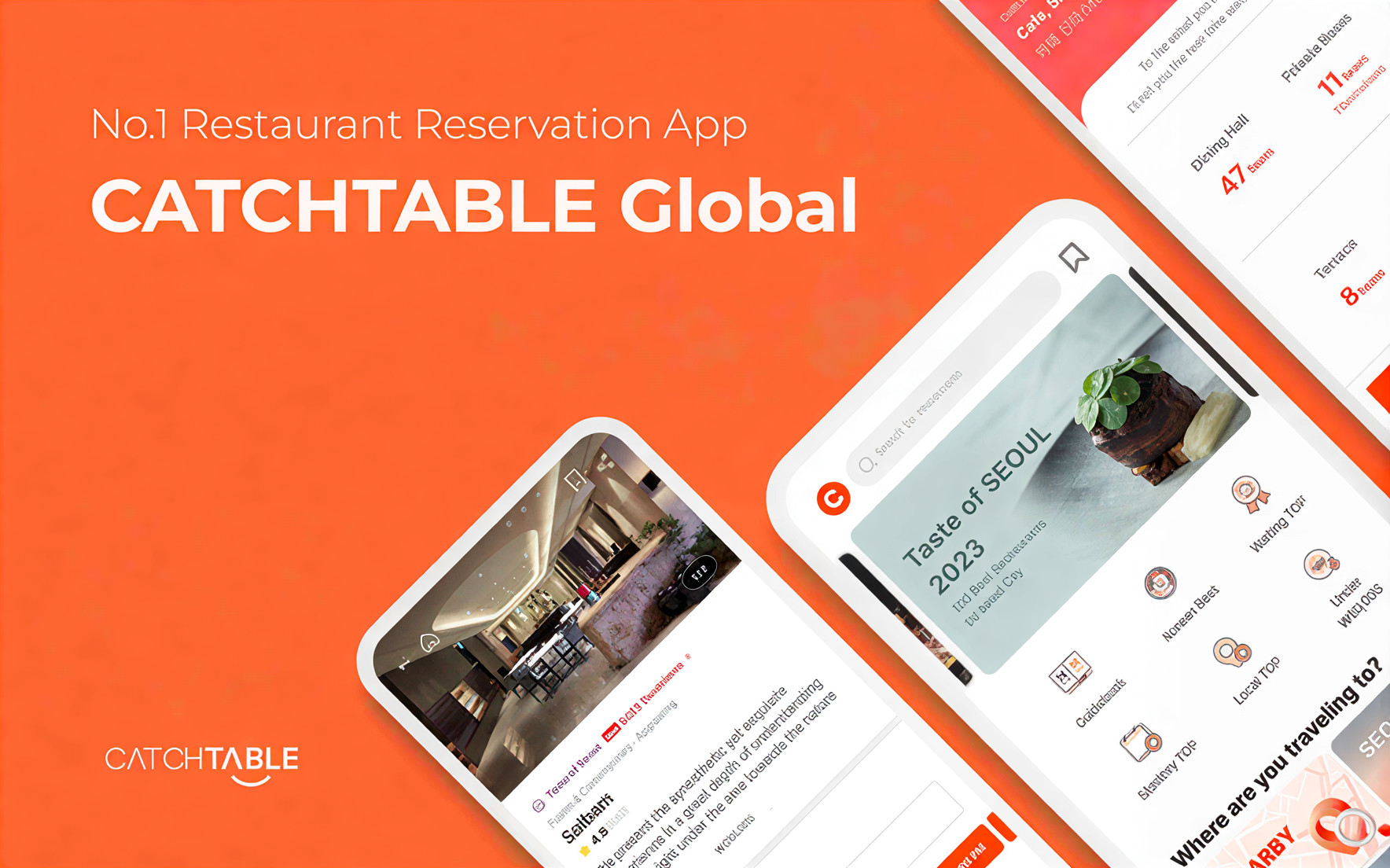
One thing I love about this app is the filter system. When I’m in a new neighborhood like Seongsu or Hannam-dong, I just tap the magnifying glass icon.
I usually filter by location, cuisine type, and price range. If I’m craving authentic Korean Beef (Hanwoo), I just select that category. The app shows real-time availability, which is a lifesaver when you are planning a busy day of sightseeing.
Understanding the Waiting Function
Some of the most popular places don’t even take reservations—they only do “Waiting.” I used this feature when I visited a popular barbecue restaurant in Hongdae. You can check the current queue on the app and join the digital line. It beats standing in the rain or heat any day!
To prevent “No-Shows,” many restaurants require a deposit. I had to pay a small amount upfront using my foreign credit card. Don’t worry, this usually gets deducted from your bill or refunded after you show up!
Mistakes I Made (So You Don’t Have To) 👩💼
On my second day, I realized I had accidentally booked for the wrong number of people. I panicked! But I found the “My Dining” menu. In that section, you can see all your active bookings.
Most restaurants have a strict refund policy. For example, if you cancel 3 days before, you get 100% back. But if you cancel on the same day? You lose that deposit. Always double-check the specific policy for each restaurant because they vary!
The Trend: What Tourists are Eating Now 🍱
I’ve noticed a big shift lately. Foreign travelers aren’t just looking for “famous” spots anymore. We want hidden gems and places recommended by locals.
The app is great for this because it features reviews from people who have actually eaten there. I’ve found some incredible modern fusion spots and traditional tea houses that I never would have found on a generic tourist map.
💰 My Real-World Cost Example
Scenario: Dinner for 2 at a popular BBQ spot.
1) Reservation Deposit: $20.00 (approx. 26,000 KRW)
2) Actual Meal Cost: 100,000 KRW
Final Result: The $20 is usually refunded to your card after you check in, and you pay the full bill at the restaurant. It’s very transparent!
Catch Table Global Essentials
Questions I Frequently Get (FAQ) ❓
Final Thoughts: Your Seoul Food Journey Awaits 📝
Korean food culture is all about sharing great meals and creating memories. With Catch Table Global, the “language barrier” and “phone number stress” are finally gone. I’ve used it for everything from fancy birthday dinners to quick lunch queues, and it hasn’t let me down yet.
Go ahead and download the app now. Start browsing those delicious Hanwoo and Pasta spots. If you have any questions about specific restaurants or how the app works, feel free to drop a comment below. I’m always happy to help a fellow foodie! Happy eating! 😊
🇰🇷 Essential Official Websites for Traveling to Korea
Apply for Korea Electronic Travel Authorization (K-ETA)
and check official notices before entering Korea.
Official Korail website for international travelers.
Book KTX and other train tickets online.
Guide to KTX reservations, refunds, ticketing rules, and boarding procedures.
View Ticket GuideTicket types, eligibility, and terms for unlimited train travel in Korea.
Check Korail Pass
These buttons link to official tourism websites. They open in a new tab.